Server-Side Tracking with GA4 & Meta CAPI: A Complete Guide
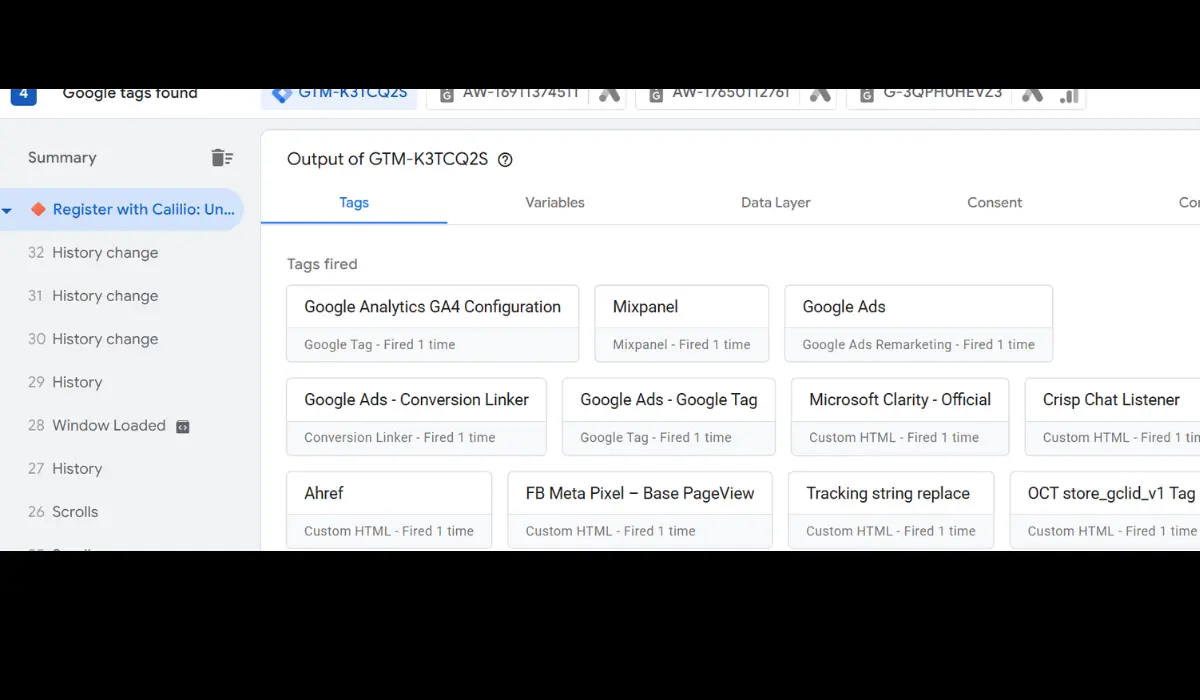
Server-side tracking has evolved from a nice-to-have to a critical necessity for modern performance marketers and analytics specialists.
Why Client-Side Tracking Is Losing Accuracy
Browser restrictions such as ITP (Intelligent Tracking Prevention), ad blockers, and cookie expiration limits mean that traditional client-side JavaScript pixels miss 15% to 30% of conversion events.
Enter Server-Side Tagging & Meta CAPI
By routing event data through a server container (like Google Tag Manager Server Container), data is processed server-to-server:
1. **First-Party Cookies**: Extends cookie lifetime under your primary domain. 2. **Meta Conversions API (CAPI)**: Sends conversion events directly to Meta servers with high Match Quality. 3. **Data Control**: Redacts PII before sending data to third parties.
Key Setup Steps
- Deploy a Server GTM container on Google Cloud Platform or Stape. - Configure Web GTM to send GA4 events to the Server GTM endpoint. - Add Meta CAPI Client & Tag in Server GTM. - Deduplicate web and server events using a shared `event_id`.
Measurable Results
Implementing server-side tracking typically recovers 20-30% of lost conversion data, boosting ad account attribution and algorithm optimization.